Why Your Website Is Losing Leads (And How AI Chatbots Fix It in 2026)
Introduction
Traffic isn’t your problem. Conversion is. Most websites lose 90%+ of visitors without ever capturing their contact information not because the offer is bad, but because of a handful of fixable gaps in the visitor experience.
It’s easy to blame ad targeting or pricing when conversion numbers look weak, but in most cases the real leak happens in the seconds between a visitor arriving and a visitor leaving. No one greets them. No one answers their question. No one makes it easy to say “yes, tell me more.” That silence is where the majority of your traffic quietly disappears.
Here’s exactly where those leads are lost, why each gap costs more than it looks like on the surface, and how an AI chatbot closes it without adding headcount or making your business feel less personal.
Reason 1: Visitors Have Questions No One Answers in Real Time
The problem: A visitor lands on your pricing page at 9 PM with a question. There’s no one to answer it. They leave and never come back.
Why it costs you: Buying decisions happen in the moment of interest. A 12-hour reply delay (even by email) kills momentum that a live answer would have captured.
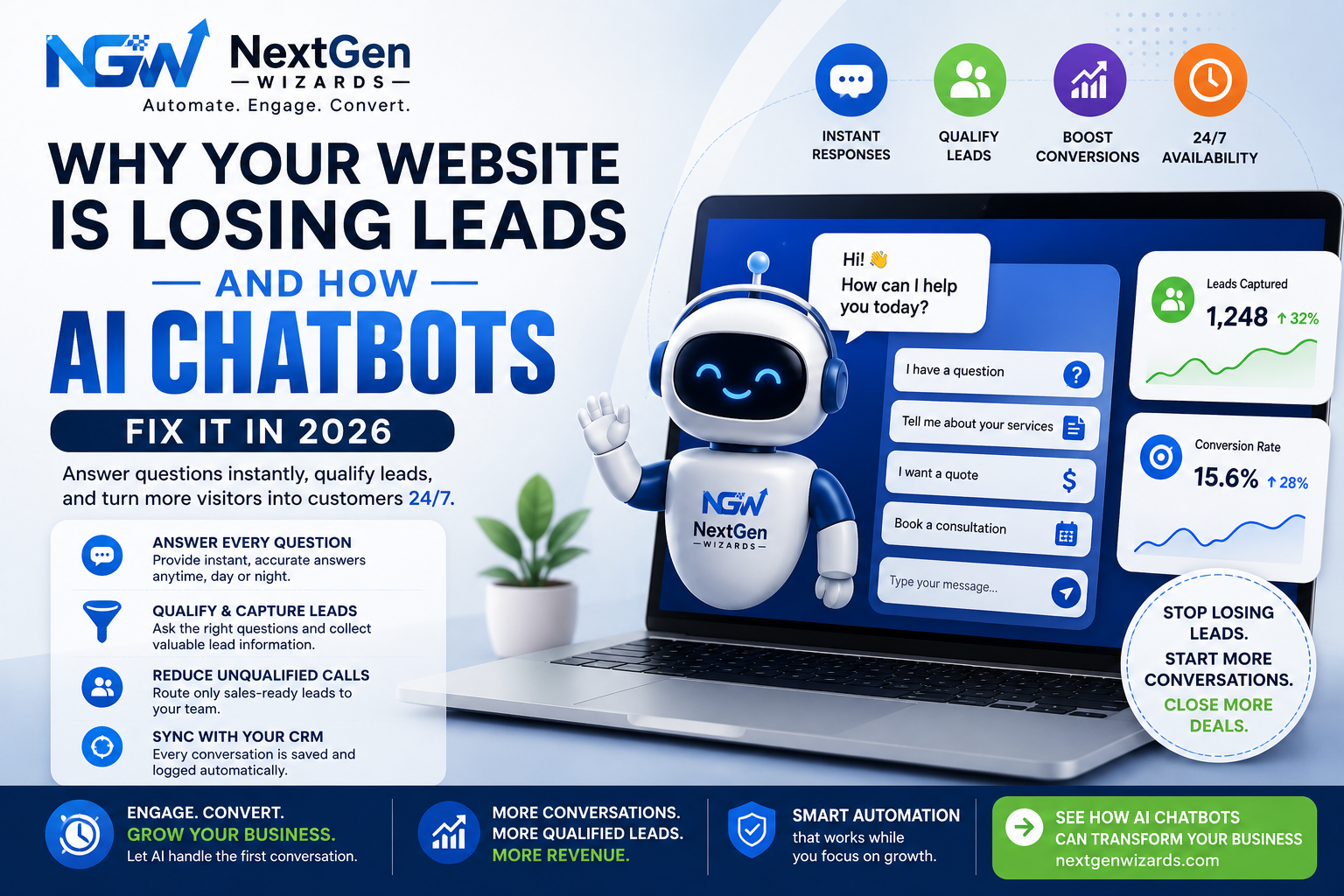
The fix: An AI chatbot trained on your FAQs, pricing logic, and service details answers instantly, any hour, and hands off to a human only when needed.
Real-world example: A local service business tracked its site analytics and found nearly 40% of visits happened outside business hours. Every one of those visitors saw a static page with no way to ask a question and the bounce rate during those hours was more than double the daytime average. A chatbot trained on their most common questions cut that after-hours bounce rate significantly within the first month.
Reason 2: Forms Feel Like Work
The problem: Long contact forms with ten fields ask too much too soon. Visitors abandon before hitting submit.
Why it costs you: Every additional form field statistically drops completion rates. High-intent visitors with low patience simply bail.
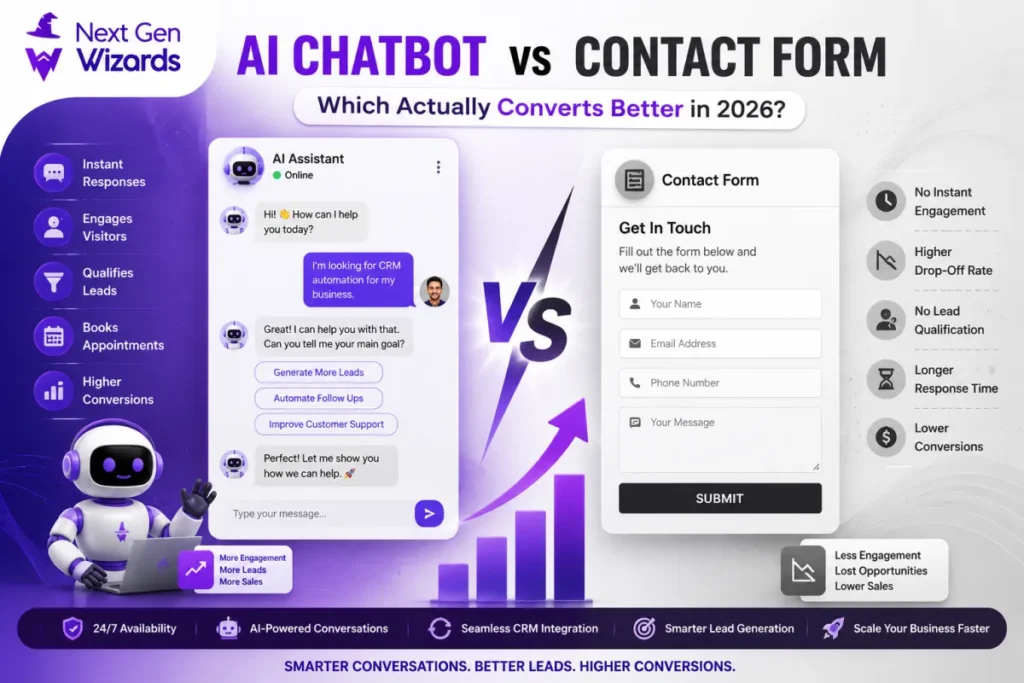
The fix: Replace static forms with a conversational chatbot flow one question at a time, feels like a conversation instead of paperwork, and can pre-qualify leads as it goes.
Real-world example: A business shortened its intake from a ten-field form to a three-message chatbot exchange that collected the same essential information conversationally. Form completions on that page rose noticeably, simply because the process felt like a quick back-and-forth instead of a task.
Reason 3: There’s No Follow-Up Loop for the “Not Ready Yet” Visitor
The problem: Someone browses, isn’t ready to buy, and leaves. No system captures them for later.
Why it costs you: Most buyers don’t convert on the first visit. Without a system to re-engage, that traffic (and your ad spend) is wasted.
The fix: Chatbots can capture an email or phone number mid-conversation even from browsers who don’t convert immediately, feeding them into a nurture sequence automatically.
Real-world example: A visitor asked a chatbot about service availability in their area, wasn’t ready to book, but left an email in exchange for a downloadable pricing guide. Three weeks later, a nurture sequence triggered by that exchange brought them back to book a consultation a lead that would have vanished entirely under the old static-page setup.
Reason 4: Unqualified Leads Waste Your Sales Team’s Time
The problem: Your sales team spends hours on calls with leads who were never a fit wrong budget, wrong location, wrong need.
Why it costs you: Every hour spent on an unqualified lead is an hour not spent closing a qualified one.
The fix: A chatbot can ask qualifying questions (budget, timeline, service needed) before a lead ever reaches a human, routing only sales-ready contacts to your team.
Real-world example: A sales rep was spending roughly a third of every day on discovery calls with leads who turned out to be outside the service area or well below minimum budget. After a chatbot began asking those two questions upfront, unqualified calls dropped sharply, freeing the rep to spend that time on leads who were actually ready to buy.
Reason 5: Visitors Bounce Between Pages Looking for Basic Information
The problem: A visitor clicks through your pricing page, then your FAQ, then your services page, hunting for one specific answer and gives up before finding it.
Why it costs you: Every extra click is a chance to lose interest. Visitors expect an immediate answer, not a scavenger hunt across your site’s navigation.
The fix: A chatbot sits on every page and answers the specific question directly, regardless of which page the visitor happened to land on no navigating required.
Reason 6: There’s No Way to Measure Where Leads Are Actually Dropping Off
The problem: You know your conversion rate is low, but you can’t pinpoint whether visitors are confused by pricing, unsure about the process, or simply not engaged at all.
Why it costs you: Without visibility into where visitors hesitate, every fix is a guess — and guesses are expensive when they’re wrong.
The fix: Chatbot conversation logs show exactly which questions come up most, where visitors stall, and which objections repeat turning guesswork into a prioritized list of what to fix first.
What Good AI Chatbot Implementation Actually Looks Like
A chatbot that just says “how can I help?” isn’t enough. Effective implementations:
-
Are trained specifically on your services, pricing structure, and common objections
-
Qualify leads with 3–5 targeted questions before requesting contact details
-
Hand off smoothly to a human (or booking calendar) once a lead is ready
-
Sync directly with your CRM so no conversation or contact is lost
A Simple Rollout Checklist
If you’re considering adding a chatbot, a focused rollout beats a rushed one:
-
Pull your top 15 most-asked questions from past emails, calls, or support tickets — this becomes the chatbot’s core training material.
-
Define 3–5 qualifying questions that separate a sales-ready lead from a browser (budget, timeline, location, service type).
-
Map the handoff point — the exact moment a conversation should route to a human or a booking calendar.
-
Connect it to your CRM so every conversation, qualified or not, is logged and nothing is lost.
-
Review conversation logs weekly for the first month to catch gaps in the training material early.
FAQ
Q: Do AI chatbots actually improve conversion rates?
A: Yes by responding instantly, qualifying leads, and capturing contact details from visitors who would otherwise leave without any information exchanged.
Q: Will an AI chatbot replace my sales team?
A: No. It handles initial engagement and qualification, then routes sales-ready leads to your team, saving them time rather than replacing them.
Q: How long does it take to set up an AI chatbot for a small business?
A: A properly trained chatbot connected to your CRM and FAQs can typically be live within one to two weeks.
Q: What information should a chatbot collect before qualifying a lead?
A: At minimum, the service needed, timeline, and either budget or location enough to determine fit before a human spends time on the call.
Q: Can a chatbot make a business feel impersonal?
A: Only if it’s poorly built. A chatbot trained on real, specific answers and handed off to a human at the right moment tends to feel more responsive, not less personal, than no response at all.
Q: How do I know if my chatbot is actually working?
A: Track three numbers: conversation-to-lead rate, qualified-lead rate, and how often visitors get an answer without needing a human. Review conversation logs weekly to catch confusion points early.